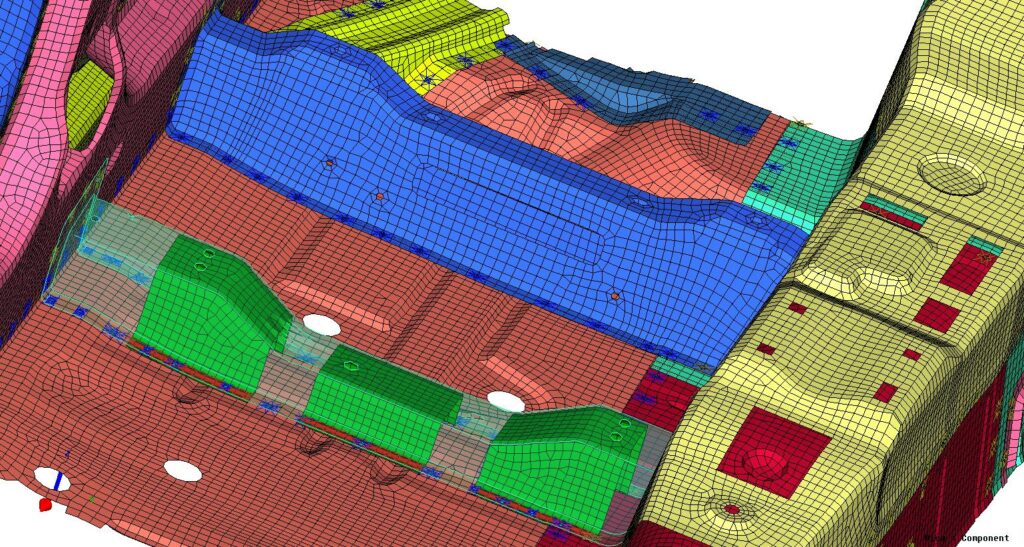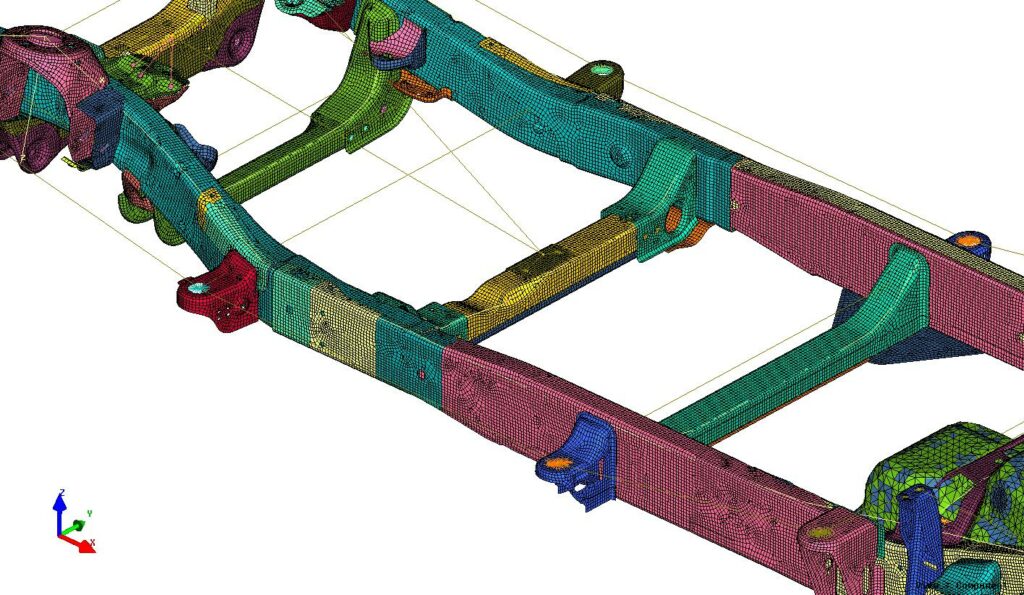
DEP MeshWorks - Parametrization
Its patented parametric technology convert regular FE/CFD models to intelligent parametric FE/CFD models.
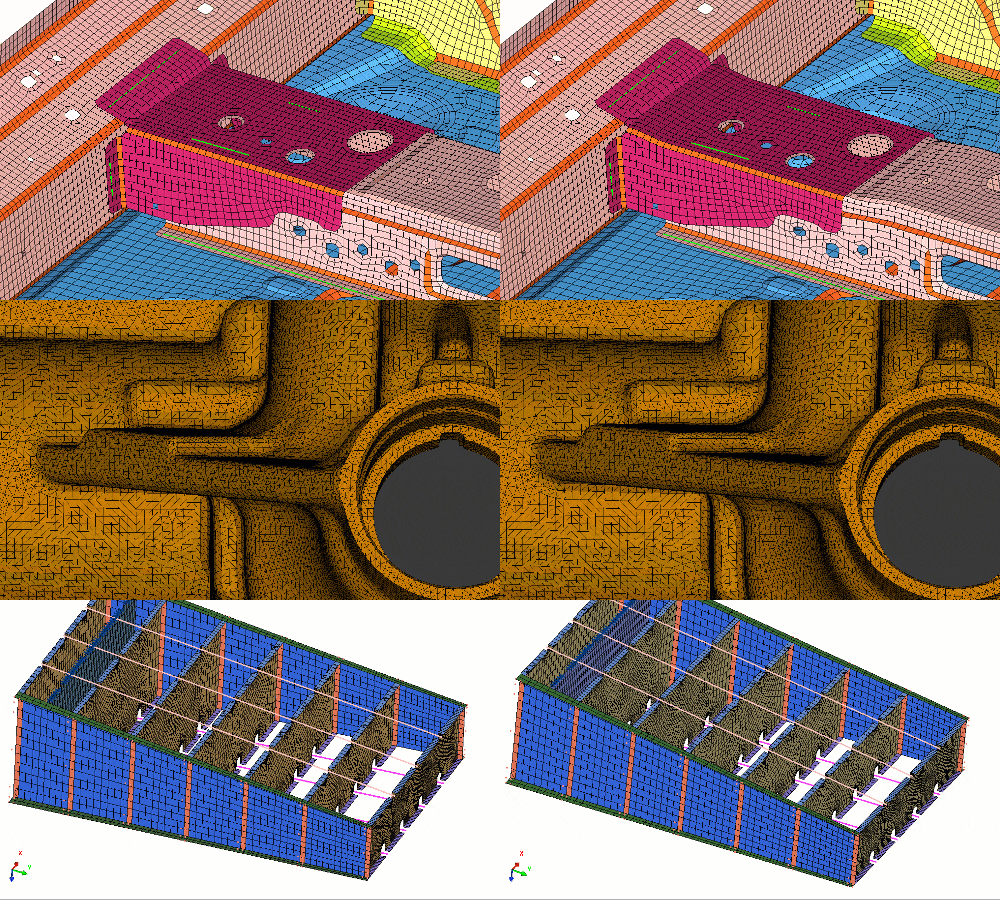
Much more than a parametric CAE model
No need of having parameters in you CAD file. DEP MeshWorks will automatically converts the FE/CFD models on a fully parametric model
Why CAE parametrization?
The auto-parametrization and a widest range of parameters allow you to fully parametrize the model at mesh level. Parametrize any geometry with a few clicks
For DOE and MDO
The parameters can be exercised as one-time execution or linked to Design of Experiments (DOE) and Multi-Disciplinary Optimization (MDO) schemes.
Why DEP MeshWorks for CAE parametrization?
Parametric categories
Create any design component and parameterize it.
From a product design engineering perspective, some of the essential modules that are considered design parameters are:
Shape
Thickness
Material
Welds
Adhesives
Beads
Bulkheads
Doublers
LWB/LRB
Ribs
How can DEP MeshWorks help you?
Get a FREE trial license to evaluate DEP MeshWorks in your FEA/CFD simulations
Welding
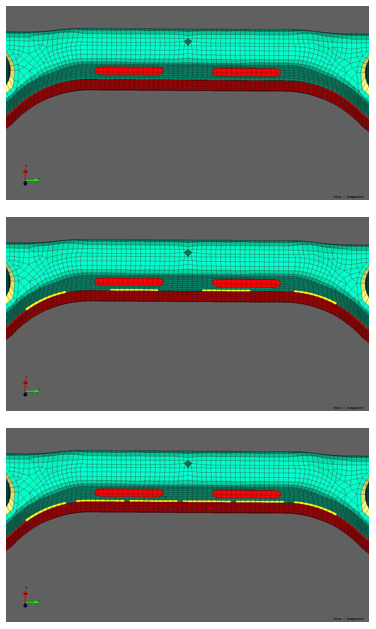
Create welds with specific profiles (flat, concave, convex) and Heat Affected Zones (HAZ) to analyze stress and crack propagation. Get a node-to-node matching connection.
HEX and TET Meshing
Template based and highly automated meshing functions allow users to create automatic parametric meshes with minimal user intervention and no CAD clean-up.
Automatic mid-plane meshing
Given a CAD data, the mid-plane mesh is generated automatically based on the given inputs. 1-click solution for your mid-plane extraction and shell parts creation.
CAD Morphing
Transform existing CAD data to new shapes rapidly. Generate morphed CAD models representing optimized designs and create the main link between CAE & design teams.
Bolts
Full bolted connections can be easily created in seconds. Detail metric bolt, modelling, screws, through bolts.
Find all the features of
DEP MeshWorks